Unblur Image
Rescue the photo that came out blurry. Upload it and the AI removes motion blur, camera shake and soft focus, restoring crisp edges and natural detail as if the picture had been taken in focus — while keeping the people and scene exactly the same.
Drop a photo here or click to upload
JPG, PNG or WebP · you can also paste (Ctrl/⌘+V)
Mode
Fixes motion blur, camera shake and soft focus.
0 credits left · free plan
By enhancing you agree to our Terms and Acceptable Use Policy. No adult content.
Your enhanced photo will appear here, with a before/after slider.
Before and after
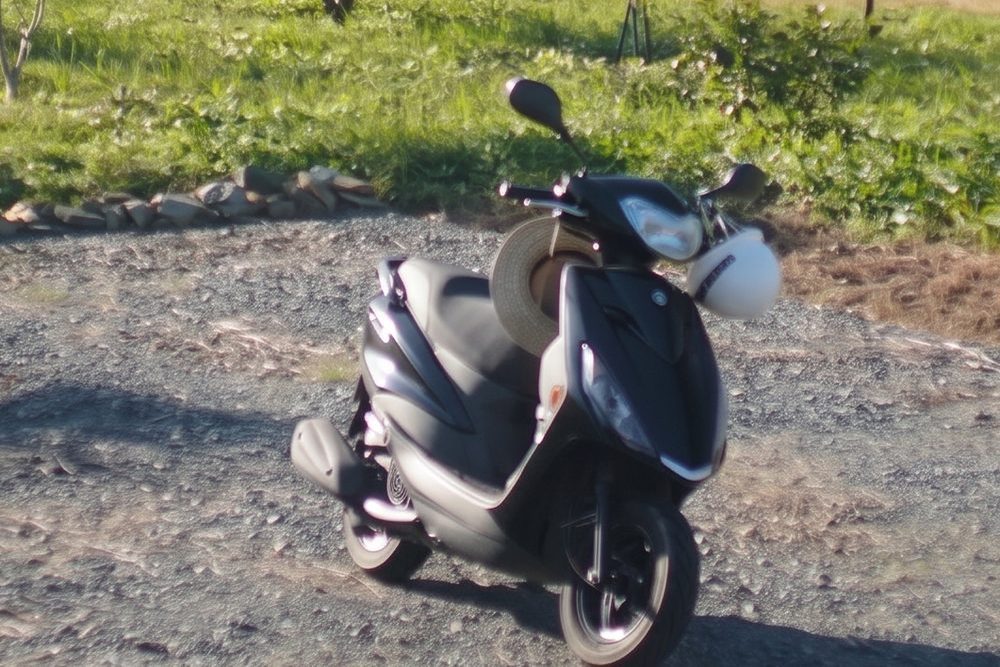
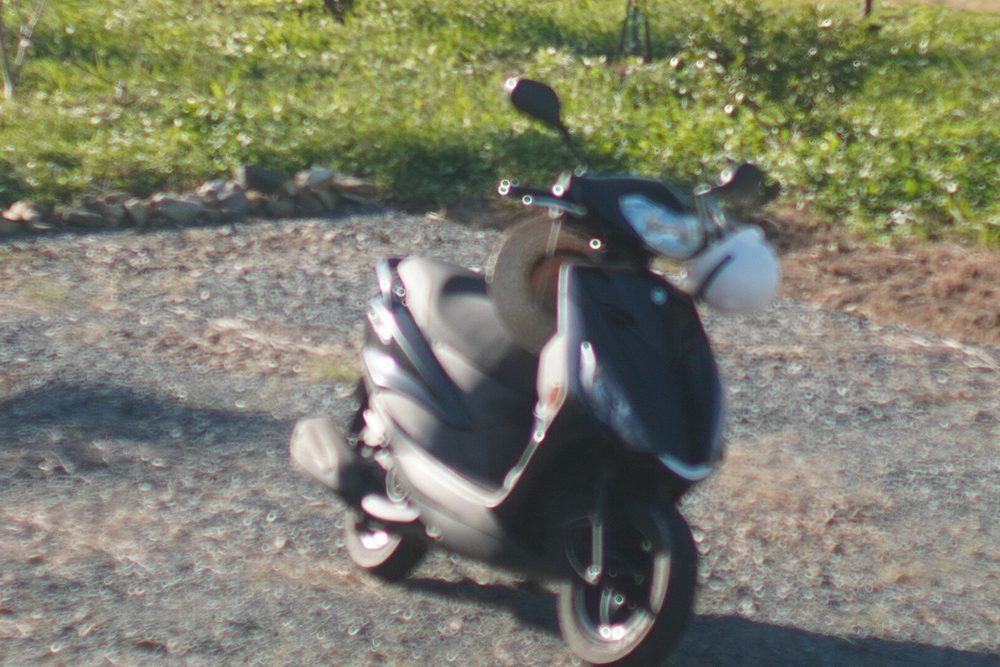 BeforeAfter
How to unblur image online
- 1
Upload the blurry photo.
- 2
Unblur is already selected. Optionally say what matters most, e.g. “the faces” or “the text on the sign”.
- 3
Click Enhance photo, compare with the slider and download the sharp version.
What people use it for
Moving kids and pets
Fix the motion blur in photos of children and pets who would not sit still.
Night and indoor shots
Sharpen photos that came out soft because of slow shutter speeds in low light.
Missed focus
Recover pictures where the camera focused on the background instead of the subject.
Sports and events
Clean up action shots taken from far away or while moving.
Tips for better results
- ✦Mild to moderate blur fixes best. Extremely blurry photos may be rebuilt rather than recovered.
- ✦Use the optional instructions to point the AI at the most important part of the photo.
- ✦For blur plus noise or compression, try Enhance as a second pass.
Frequently asked questions
Can AI really unblur a photo?+
Yes, for most everyday blur. The AI recognizes what the blurry shapes are — faces, hair, text, objects — and redraws them sharply. The stronger the blur, the more it has to reconstruct, so compare the result with the original.
Does it work for motion blur and out-of-focus photos?+
Both. It handles camera shake, subject motion and missed focus in the same step.
Will faces stay the same?+
The AI is told to keep faces, expressions and everything else unchanged. Small or heavily blurred faces may come out slightly different, which is why the slider is there.
Is it free?+
Your first image is free without sign-up, plus 3 free credits when you sign in with Google. Paid plans remove the watermark and give 2K or 4K output.