Increase Image Resolution
Make small images big and sharp. Plain resizing just makes pixels bigger; this tool uses AI to redraw your photo at high resolution, removing pixelation, jagged edges and compression blocks and adding realistic fine detail. Paid plans output 2K images, or 4K Ultra HD for 2 credits.
Drop a photo here or click to upload
JPG, PNG or WebP · you can also paste (Ctrl/⌘+V)
Mode
Turns small, pixelated or heavily compressed images into sharp high-resolution photos.
0 credits left · free plan
By enhancing you agree to our Terms and Acceptable Use Policy. No adult content.
Your enhanced photo will appear here, with a before/after slider.
Before and after
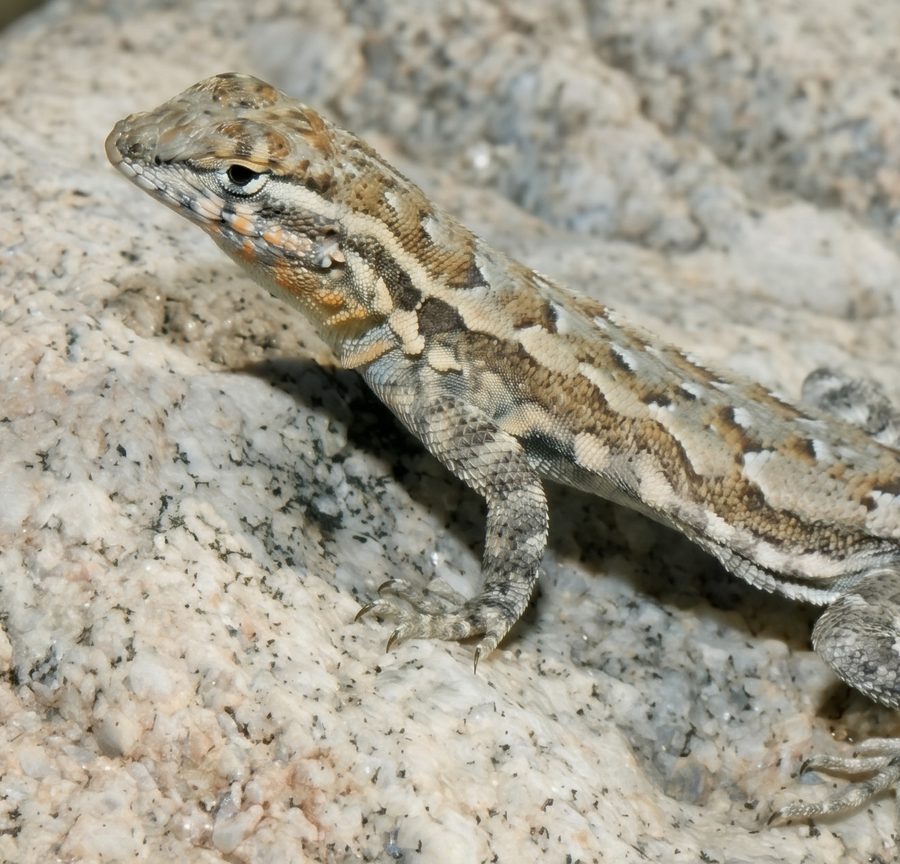
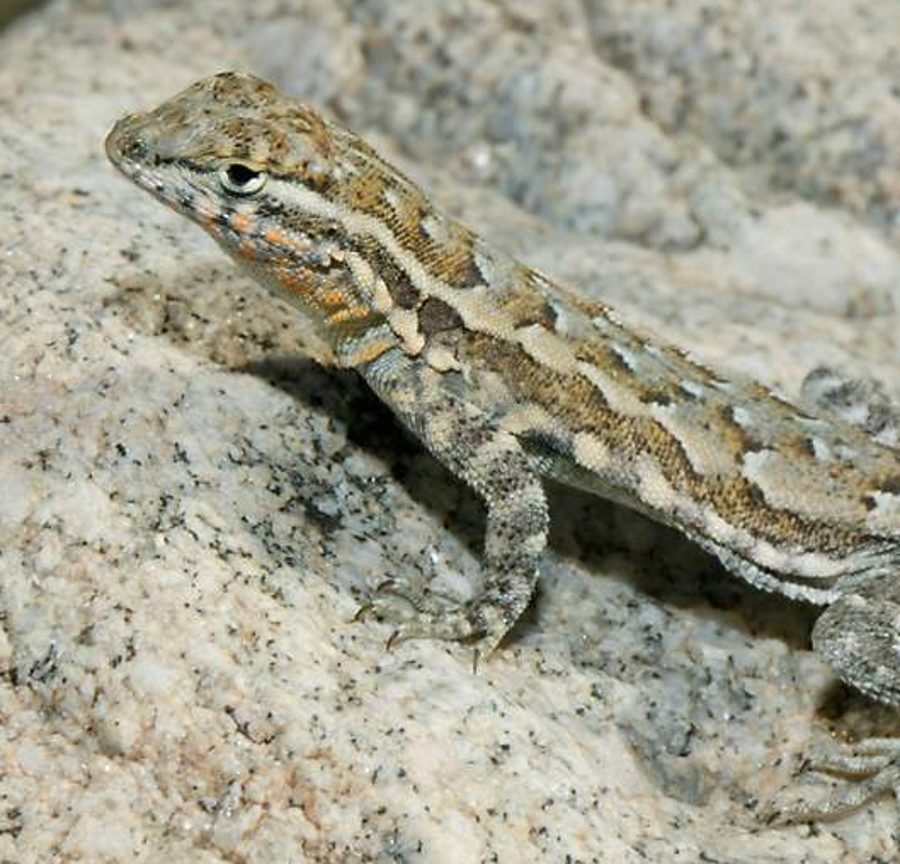 BeforeAfter
How to increase image resolution online
- 1
Upload a small, pixelated or heavily compressed image.
- 2
Low-res to HD is already selected. On a paid plan, choose 2K or 4K Ultra HD.
- 3
Click Enhance photo, check the details with the slider, and download the high-resolution version.
What people use it for
Printing small photos
Turn an old low-resolution photo into a file that is large enough to print.
Thumbnails and web images
Recover a usable image when a small thumbnail is all you have left.
Video stills
Get a sharper picture from a frame of an old video or a screen recording.
Presentations and designs
Use small images in slides, posters and designs without visible pixels.
Tips for better results
- ✦Upload the largest version of the image you have — even a little more real detail helps.
- ✦Text and logos are redrawn by the AI; check small lettering before using the result.
- ✦If the image is also blurry or damaged, try Unblur or Restore Old Photo as well.
Frequently asked questions
How much can I increase the resolution?+
Results come out at about 1024 px on the free plan, about 2048 px (2K) on paid plans, and about 4096 px (4K Ultra HD) for 2 credits. A 500 px image can become a 4K image with new, realistic detail.
Is this the same as resizing in an image editor?+
No. Resizing stretches the existing pixels, so the image stays soft and blocky. The AI rebuilds edges and textures, so the result looks like it was taken at a higher resolution.
Is the detail it adds real?+
The AI adds detail that fits the photo, but it cannot know what was never captured. It is great for viewing, printing and sharing; do not use it to read license plates or identify people.
Is it free?+
You can upscale your first image free without signing up, and get 3 more free credits with Google sign-in. Free results are 1024 px with a watermark.