Improve Image Quality
Turn soft, noisy or over-compressed photos into clean, sharp images. Upload a photo and the AI removes blur, grain and JPEG artifacts, recovers fine detail and texture, and gently balances clarity, contrast and color — without changing what is in the picture.
Drop a photo here or click to upload
JPG, PNG or WebP · you can also paste (Ctrl/⌘+V)
Mode
Sharpens, cleans up noise and blur, and improves clarity while keeping the photo natural.
0 credits left · free plan
By enhancing you agree to our Terms and Acceptable Use Policy. No adult content.
Your enhanced photo will appear here, with a before/after slider.
Before and after
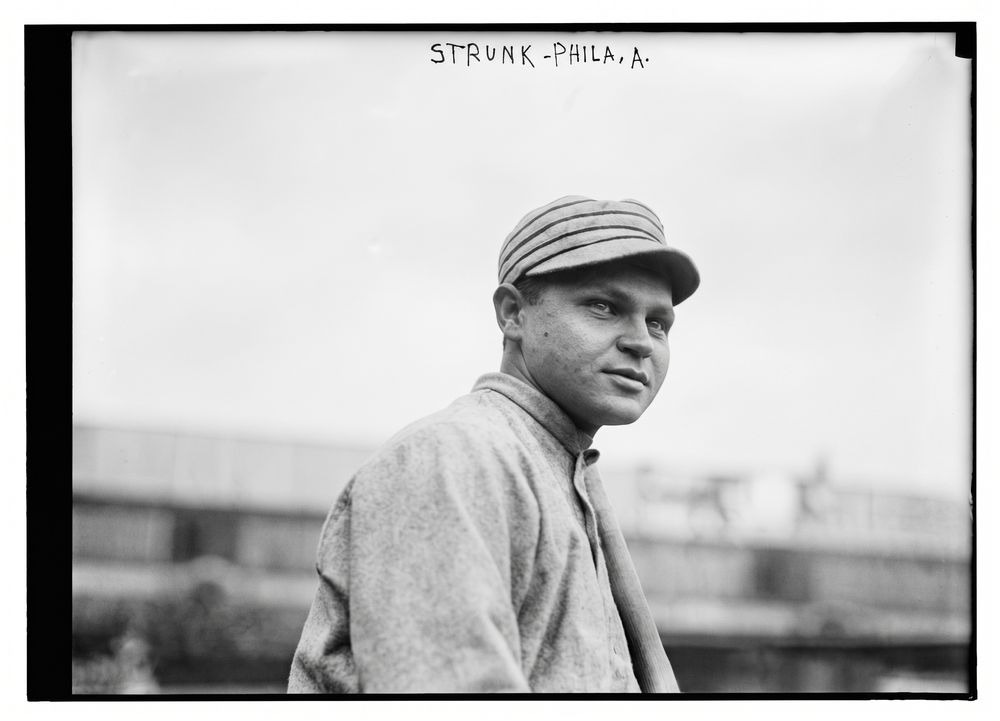
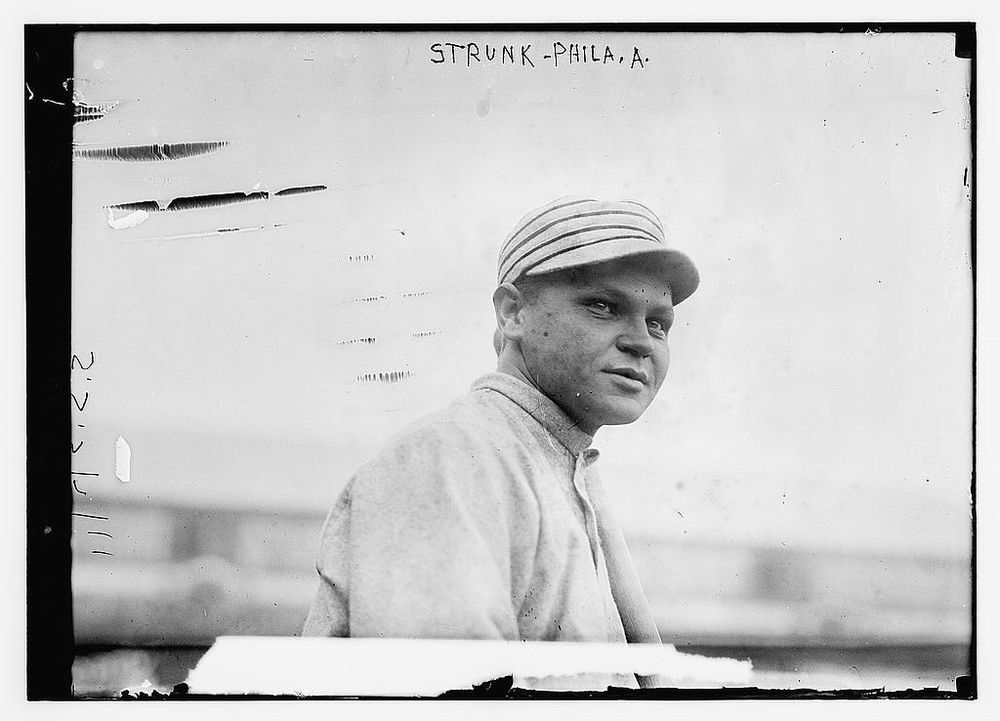 BeforeAfter
How to improve image quality online
- 1
Upload the photo you want to improve — JPG, PNG or WebP up to 10 MB.
- 2
Enhance is already selected. Optionally add a note like “brighten the shadows a little”.
- 3
Click Enhance photo, drag the slider to compare, and download your improved image.
What people use it for
Photos from old phones
Clean up grainy, soft pictures taken on older phones or in low light.
Images saved from chats and social media
Remove the blocky compression that messaging apps and social networks add.
Product and listing photos
Make marketplace and real-estate photos look sharper and more professional.
Profile pictures
Get a crisper headshot or avatar from the best photo you have.
Tips for better results
- ✦Upload the original file rather than a screenshot of it whenever you can.
- ✦If a photo is mainly blurry, the Unblur mode targets motion blur and focus problems more directly.
- ✦For tiny or pixelated images, Low-res to HD gives better results than Enhance.
Frequently asked questions
How does the AI improve image quality?+
It looks at the whole photo and redraws it as a clean, high-quality version: noise, blur and compression artifacts are removed and fine detail such as hair, fabric and skin texture is rebuilt. The content, composition and colors stay the same.
Is it free to improve image quality?+
Yes. Your first image needs no sign-up, and signing in with Google adds 3 free credits. Free results are up to 1024 px with a watermark. Paid plans give 2K results, 4K Ultra HD for 2 credits, and no watermark.
Will it change faces or other details?+
The AI is instructed to keep people, faces, expressions and everything else exactly as they are and not to retouch or beautify. Very small or very blurry faces may be redrawn slightly, so compare with the slider before downloading.
What resolution will my image be?+
Free images are up to 1024 px. On a paid plan, standard results are about 2K (around 2048 px on the long side) and 4K Ultra HD results are about 4096 px.